
How to Get Food Delivered to Your Hotel or Airbnb in Korea as a Tourist
You’ve spent the day exploring, your shoes are finally off, and the evening plan is fried chicken without another trip outside.
Then the delivery app asks you to verify a phone number, choose a payment method you don’t recognise, or enter an address that looks nothing like the one in your booking confirmation.
You haven’t necessarily reached a dead end. There are food-delivery options for visitors without Korean residency or a local bank account. Shuttle supports email signup and international payments, while Baemin documents a guest-ordering route using an overseas mobile number and foreign credit card. The requirements are different, so choosing the right route matters.
This guide is for short-term visitors staying in Korean hotels, hostels, guesthouses, and Airbnbs. We’re covering prepared meals delivered from restaurants, not online shopping or parcel deliveries.
The goal is straightforward: order dinner using the accounts and payment methods you actually have, give the rider a usable address, and collect your food without a confusing phone conversation.
First, ask your accommodation where to collect the food
Before choosing a restaurant, ask your hotel reception:
“Can I order food delivery here? Where should I meet the rider?”
Get a specific answer. Is it the main entrance, the lobby, or a designated collection area? Also ask whether outside food is allowed in the space where you plan to eat.
Treat delivery to your hotel as delivery to an agreed collection point, not a promise that someone will bring dinner to your room. Don’t instruct the rider to come upstairs unless reception has confirmed that this is allowed.
For an Airbnb or other self-catering accommodation, message your host:
“Could you send me the full address in Korean for food delivery and explain where I should meet the rider?”
Ask which building entrance to use and whether there are any delivery rules. Don’t share a communal entrance code by default. Meeting at an agreed entrance avoids having to give a stranger access to the building.
If collecting food downstairs is difficult because of mobility or accessibility needs, arrange an alternative with the property before placing the order.
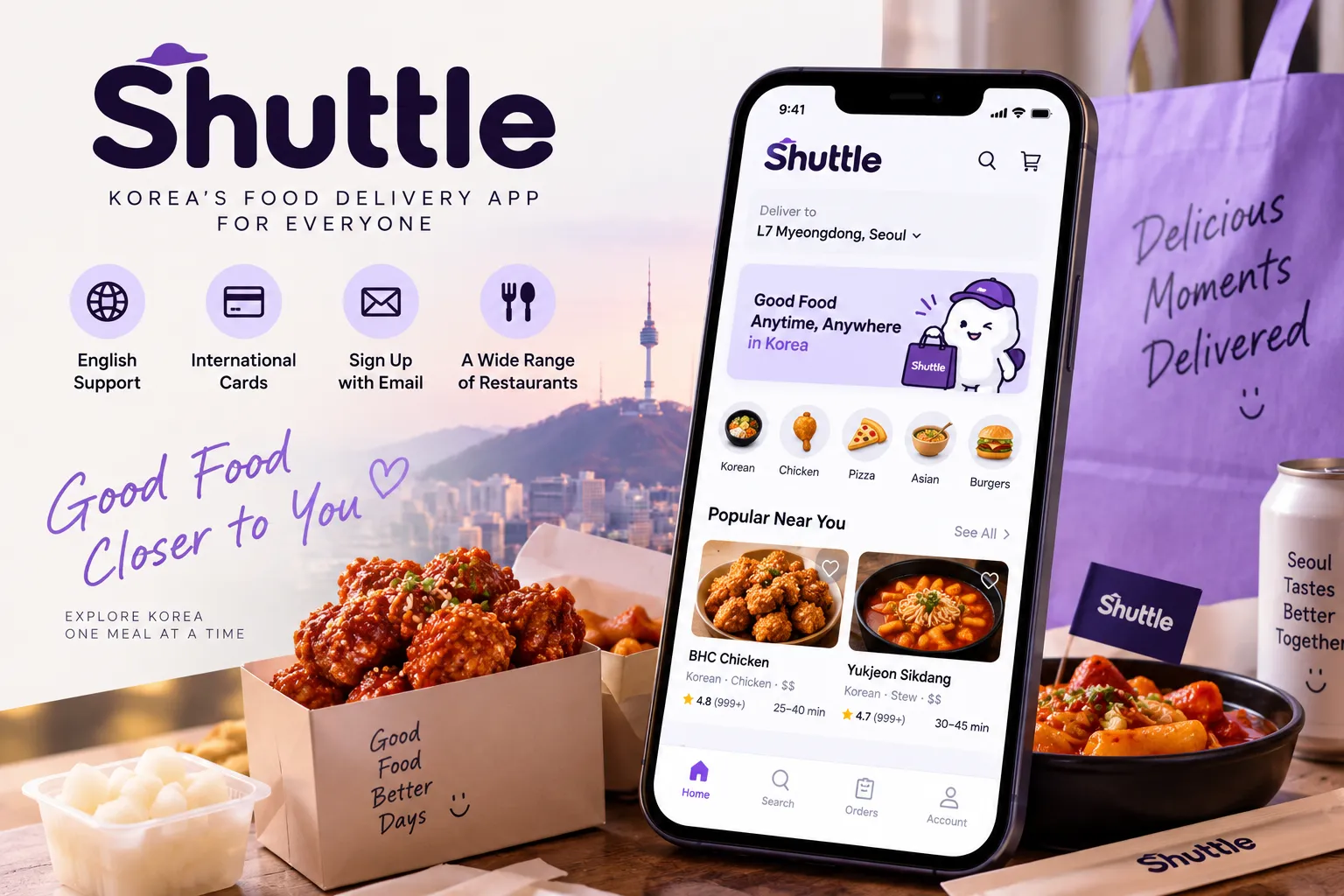
Option 1: Shuttle for email signup and English support
For a first order, our suggested starting point is to check whether Shuttle offers suitable food delivery to your accommodation.
Its official listing supports signup with an email address, English menus and customer support, and payment using major international credit cards or PayPal. Phone verification is optional for ordinary use, but required for using Shuttle credit. That distinction matters if a credit or promotional balance introduces an extra verification step.
Create your account using an email you can access during the trip. Complete any email verification requested and check your spam folder if a code does not arrive. Shuttle’s setup guidance notes that login may involve a verification code sent through email or messaging.
Next, enter your delivery address before browsing restaurants. Shuttle’s ordering process starts with the address, followed by the restaurant, food selection, and checkout. Its FAQ also explains that delivery charges depend on distance.
Check what is actually available at your location and intended ordering time. Don’t assume that an app serving Seoul will deliver from every restaurant to every address, or that a service available at lunchtime will still be accepting orders at midnight.
Shuttle also advertises a separate Concierge service. If that is the option presented to you, read its delivery arrangements and support information rather than assuming it works identically to a standard restaurant order.
Download Shuttle: Google Play · Apple App Store
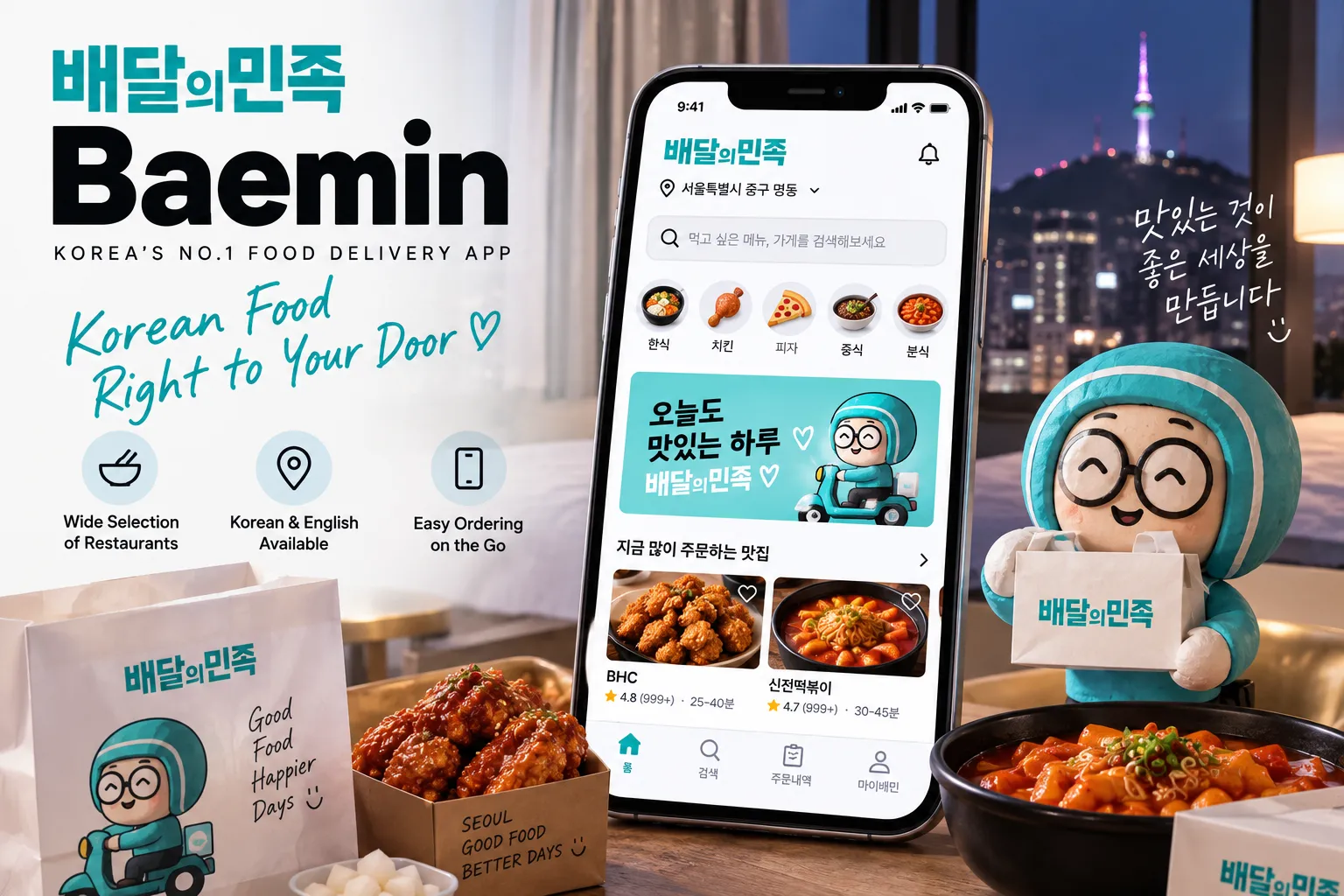
Option 2: Baemin’s guest route with an overseas phone number
Baemin is also worth checking. Its current app listing includes English, so the advice that you must navigate the entire app in Korean is no longer a useful starting point.
The more important question is how you order.
In its September 2026 developer guidance, Baemin says foreign customers can order as nonmembers after verifying an overseas mobile number. For an overseas credit card, the documented payment route is Global Payments → Foreign Card.
Use the current app and look for guest or nonmember ordering rather than trying to complete a resident-account setup. Follow the overseas-number verification prompts and check that your country code is supported.
Not needing a Korean number does not mean no phone verification is required. Make sure you can complete the requested verification with your own number while travelling. Having an internet connection alone does not establish that.
There is also a support consideration. Baemin’s published May 2026 guidance directed nonmembers to its telephone customer centre, 1600-0987, because guest access to chat consultation was difficult. Don’t assume an English interface guarantees English live-chat help. Check the support options available to your guest order before paying.
Our recommendation: choose this route when you can complete verification and are comfortable with the available support options. Otherwise, try a service that better matches your circumstances instead of repeatedly attempting the same registration.
Download Baemin: Google Play · Apple App Store
Enter an address that leads to the right entrance
Once you’ve found a usable ordering route, spend a little time on the address.
Shuttle’s official instructions recommend trying the Korean address when an English search fails, then adding the building and unit details separately.
Ask reception or your host for the address in Korean and copy it directly. Avoid reconstructing it from an English booking confirmation or translating the hotel’s name yourself.
Check three things before saving it: the street address, the exact property or branch, and the entrance where you will collect the order. Finding a familiar hotel name is not enough if that brand has more than one location.
Use the address fields for the location and the delivery-note field for the handover instructions. For example:
Address: [Full Korean street address supplied by the property]
Address details: [Building name and unit, where appropriate]
Delivery note: [Hotel name]. I will meet you at the main entrance. Please message me when you arrive.
Replace the brackets with your own details. Include your room number only where it is useful and appropriate, such as identifying an order at a hotel’s authorised collection point.
Check the map pin as well. When ordering while you are out sightseeing, don’t accept your current location as the delivery destination. Even when you are at the property, compare the pin with the entrance you have agreed to use.
Your room number tells someone where you are inside a building. It does not tell them which building to find.
Check the meal and the final total before paying
Once dinner looks close enough to touch, it is tempting to rush through the remaining screens. This is the moment to slow down.
Read the item description and required selections. Check the portion size, quantity, sauce or spice choices, and whether the order includes the rice, drinks, or utensils you need. For dietary requirements, ask for clarification before paying rather than treating a photograph or an uncertain translation as confirmation.
For help navigating unfamiliar menu wording, see our article on ordering food in Korea when you can’t read anything.
Check that you selected delivery rather than pickup, and review the estimated arrival time, any minimum-order requirement, and every charge in the final total. Don’t plan your budget around a promotional banner before checking whether its conditions apply to your order.
After payment, confirm the order’s status. Save the order number and confirmation screen, then look for restaurant acceptance or subsequent updates. Shuttle also says it sends an email receipt, which gives you another place to check the details.
If payment appears to have gone through but you cannot find an order, contact support before paying again. Establish whether the first attempt succeeded rather than risking two dinners and two charges.
Stay reachable until you have your food
Keep your phone nearby, keep the app accessible, and allow the notifications needed for the order. Shuttle specifically advises this because the restaurant or support team may need to clarify your address or food selection.
Use whatever status updates your order provides. Don’t assume every delivery comes with a live map of the rider.
When the order is approaching, get ready to meet at the agreed location. Bring your phone so you can show the order number and check that you are collecting the correct bag.
A simple handover instruction is more useful than a long explanation about your travel plans. These phrases can help:
“I’ll meet you at the building entrance.”
건물 입구에서 받을게요.
“I’ll meet you in the lobby.”
로비에서 받을게요.
“I don’t speak Korean well. Please message me.”
한국어를 잘 못해요. 메시지로 부탁드립니다.
Use only the phrase that matches your arrangement. Asking for a message is a request, not a guarantee that the rider has a chat channel available or will see the note.
If the rider calls and you cannot understand, open any available order messaging and send your meeting-point information. Where that is not possible, use the service’s support route or ask reception for help with the immediate handover. Don’t assume staff can manage the whole order on your behalf.
What to do when something doesn’t work
The app asks for information you don’t have
Stop and check which account or payment route you selected. Don’t enter a made-up Korean number or use your host’s number without permission.
When overseas verification is unavailable for your number, switch to another ordering method rather than trying to force the setup. For the email-based option described above, avoid selecting features that introduce additional phone-verification requirements.
Your foreign card is declined
Check that you selected the payment route intended for overseas cards, then complete any verification requested by your card issuer.
A service accepting international cards does not guarantee that every transaction will succeed. Ask your issuer to check a decline, or try another supported payment method after confirming that no order was placed.
Never send a full card number, security code, password, or bank verification code through restaurant chat.
Your address is missing, or nothing delivers there
First, confirm the Korean address with the property. Then check that you are searching for delivery to that address at the intended time.
If there is no suitable option, ask reception or your host about nearby takeaway choices. Pickup can be a useful alternative when the service offers it and you can complete the booking, but walking to a nearby restaurant may be simpler than opening another account.
The order is late, missing, or marked delivered
Check the designated collection point and the order’s latest messages. Don’t enter neighbouring properties or take another guest’s food because a bag looks similar.
Contact support with the order number, address, and a clear description of the problem. Ask for confirmation of what happens next before placing a replacement order.
Keep cancellation or refund confirmations. An approved refund does not necessarily appear immediately in your card balance; Shuttle’s guidance notes that foreign-card refunds can take several business days.
Your tourist food-delivery checklist
Before confirming an order, make sure:
- Your accommodation allows the delivery, and you know where to collect it.
- Your ordering route works with your own email or phone number and payment method.
- The address, entrance, food selection, delivery option, and final total are correct.
- You can find the order confirmation, receive updates, and contact support if necessary.
You don’t need to master every Korean delivery app to order one meal. You need one route that works for you and one clear place to receive it.
Get those details sorted before becoming attached to a particular restaurant. Then dinner can go back to being dinner, rather than an unexpected account-registration project.
For the rest of your phone setup, explore our 10 apps to download before visiting Korea.
Sources checked: September 18, 2026. Service requirements, payment options, and availability can change. Confirm the current checkout conditions and your accommodation’s delivery arrangements.
Official sources
Shuttle’s app information, Shuttle’s ordering FAQ, and Shuttle’s first-time ordering guidance.
Baemin’s app information and developer responses on Google Play, and Baemin’s Apple App Store listing.