1. Naver Map: Turn your saved places into an actual route
A café video can show you what to order. It doesn’t necessarily tell you which station exit to use or whether you’ve found the right branch.
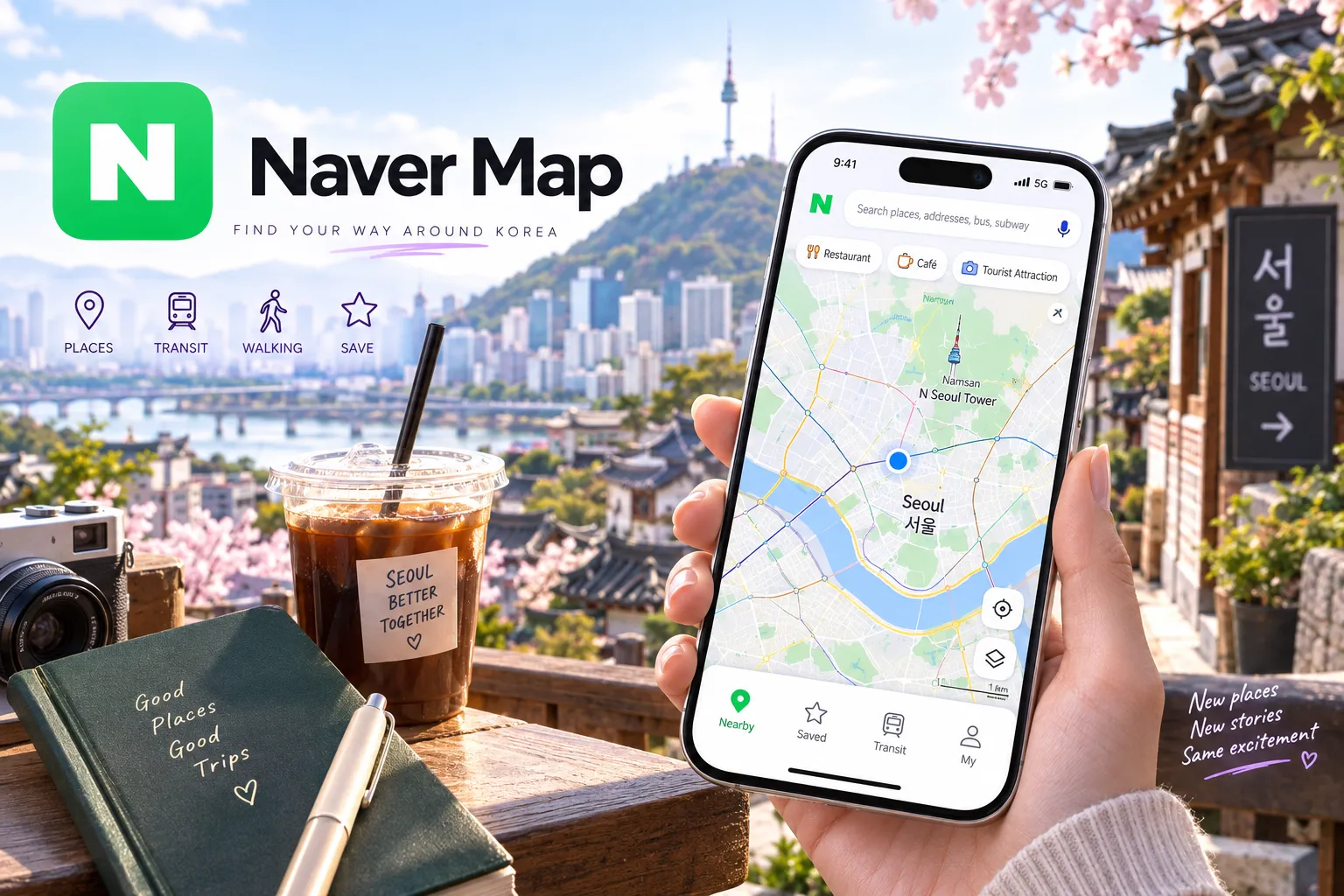
Naver Map brings the practical details together: place searches, walking directions, public-transport routes, and saved locations. It supports English, along with other interface languages, so you don’t need to read Korean to start using it.
Before your trip, find your accommodation and save the places you already know you want to visit. Try planning one journey between them. This is also a useful reality check for an itinerary that looks manageable as a list but involves more travelling than you expected.
When an English search doesn’t find the right place, try copying its Korean name or address from the business’s official page. Check the location and branch name before saving it.
Keep a screenshot of your accommodation’s Korean address, too. Having it ready to show someone is much easier than searching through booking emails while standing outside with your luggage.
Download: Google Play · Apple App Store
2. Kakao T: Request a taxi without explaining the whole journey
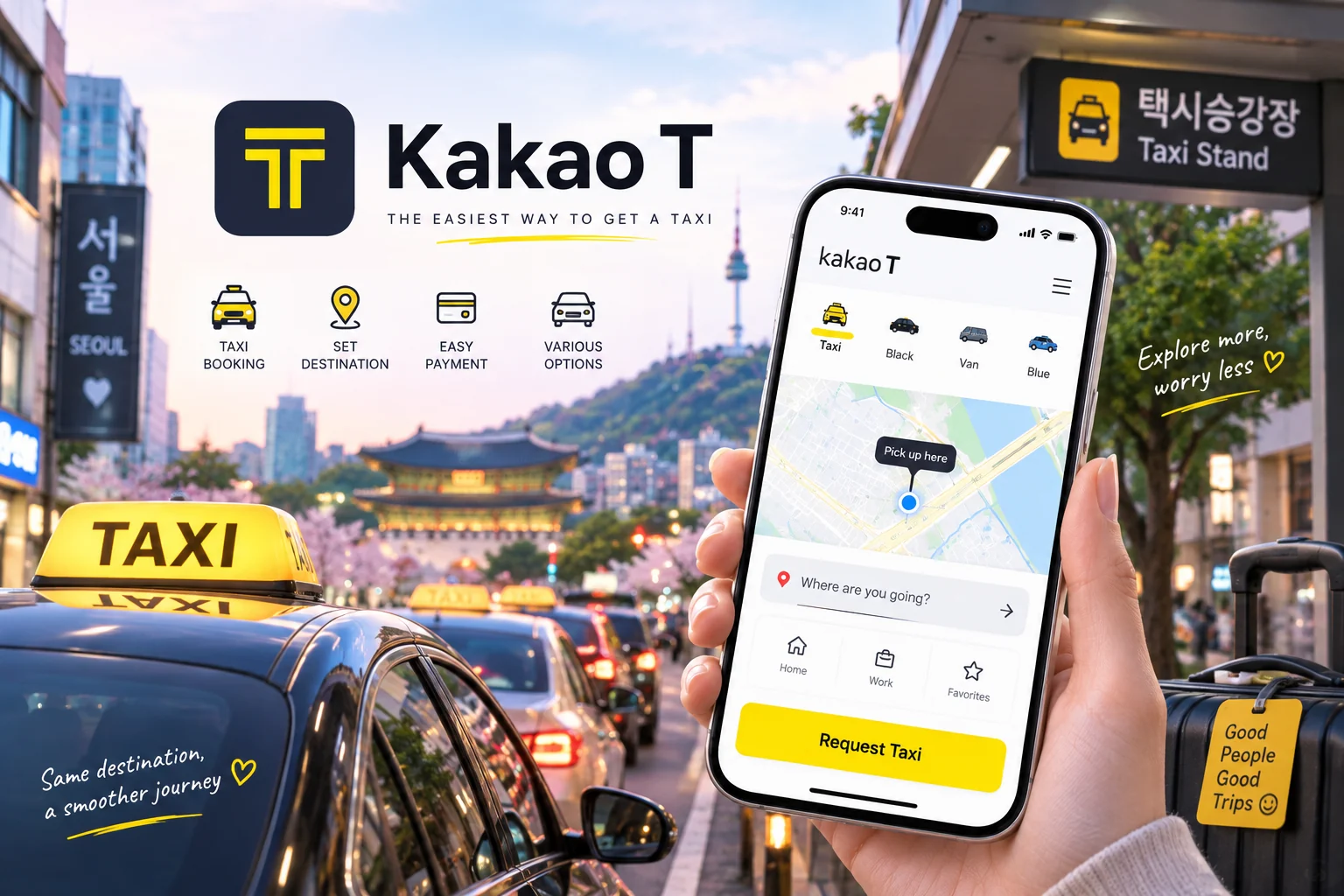
Kakao T lets you request taxis and enter your destination in the app. It offers different vehicle categories, making it useful when you need a ride rather than another public-transport route.
The important preparation happens before your first booking. Set up your account, explore the taxi section, and check the payment options available to you. Don’t leave this until you’re tired, it’s raining, and your group is waiting for someone to arrange the ride.
When requesting a taxi, check the pickup pin carefully. Choose an entrance or roadside location where a driver can actually reach you, rather than leaving the pin somewhere inside a large building complex. Confirm the destination, vehicle category, and payment method before booking.
There is also a useful fallback for visitors: Kakao Mobility’s separate k.ride app supports Google or Apple login and overseas-card registration, according to the Korea Tourism Organization. It is worth knowing about if Kakao T’s setup proves awkward for your circumstances.
Download Kakao T: Google Play · Apple App Store
3. Papago: Get help with the Korean in front of you
Papago is useful when you can see the information you need but can’t read it.
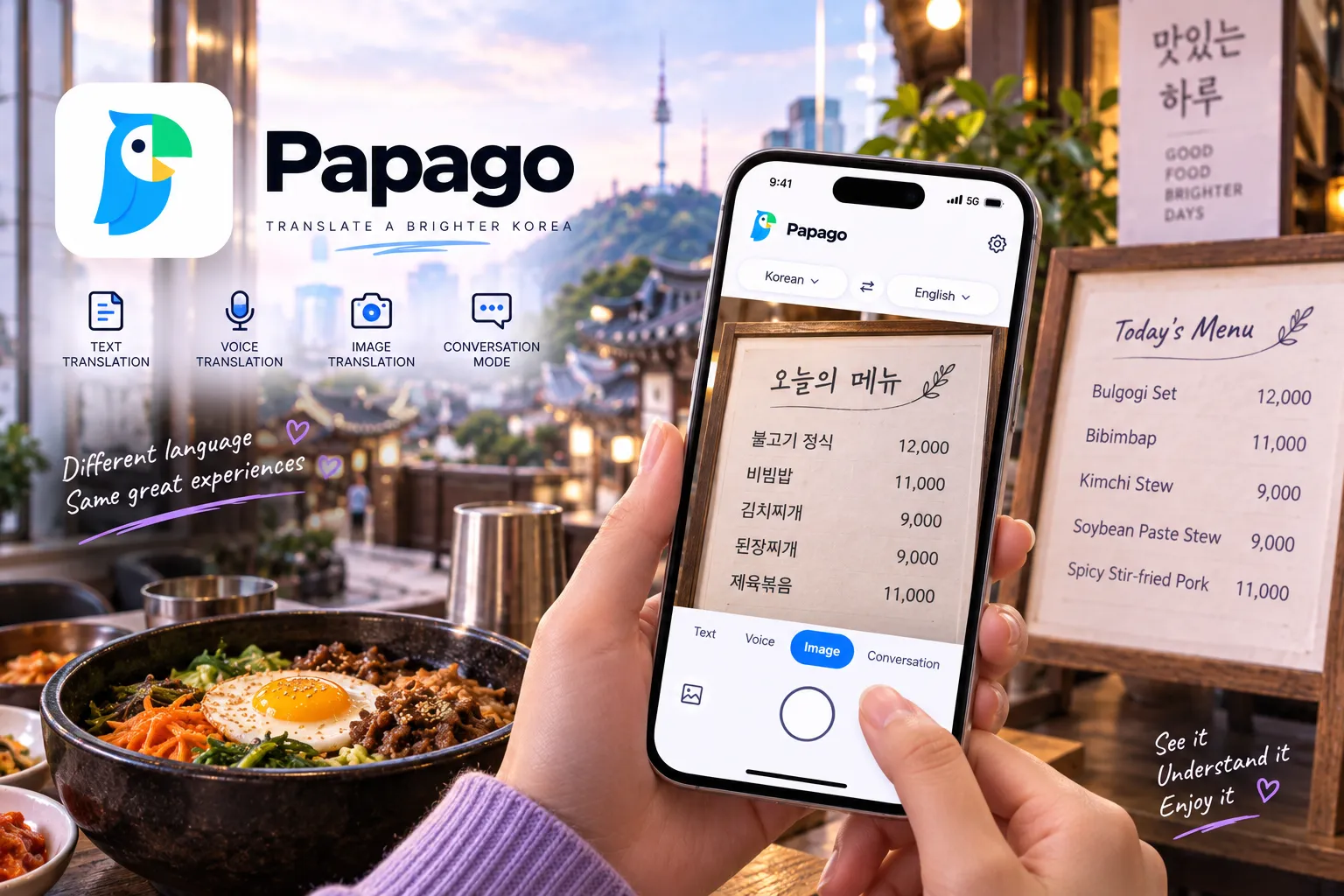
It supports text, voice, image, and conversation translation, including Korean and English. That makes it a practical tool for reading a sign, understanding a menu, or asking a short question. It also offers offline translation, although you should not assume every feature works without an internet connection.
Try the image function before your trip so you know how to photograph or select the text you want translated. Check the available offline language downloads and test what works after disconnecting from the internet.
For conversations, keep your sentences short and specific. “Does this bus stop at Seoul Station?” is a better starting point than a long explanation containing three different questions.
Treat the result as help with communication, not proof that every detail is correct. When an answer matters, ask a follow-up question or confirm the key point another way rather than trusting a confusing translation.
Download: Google Play · Apple App Store
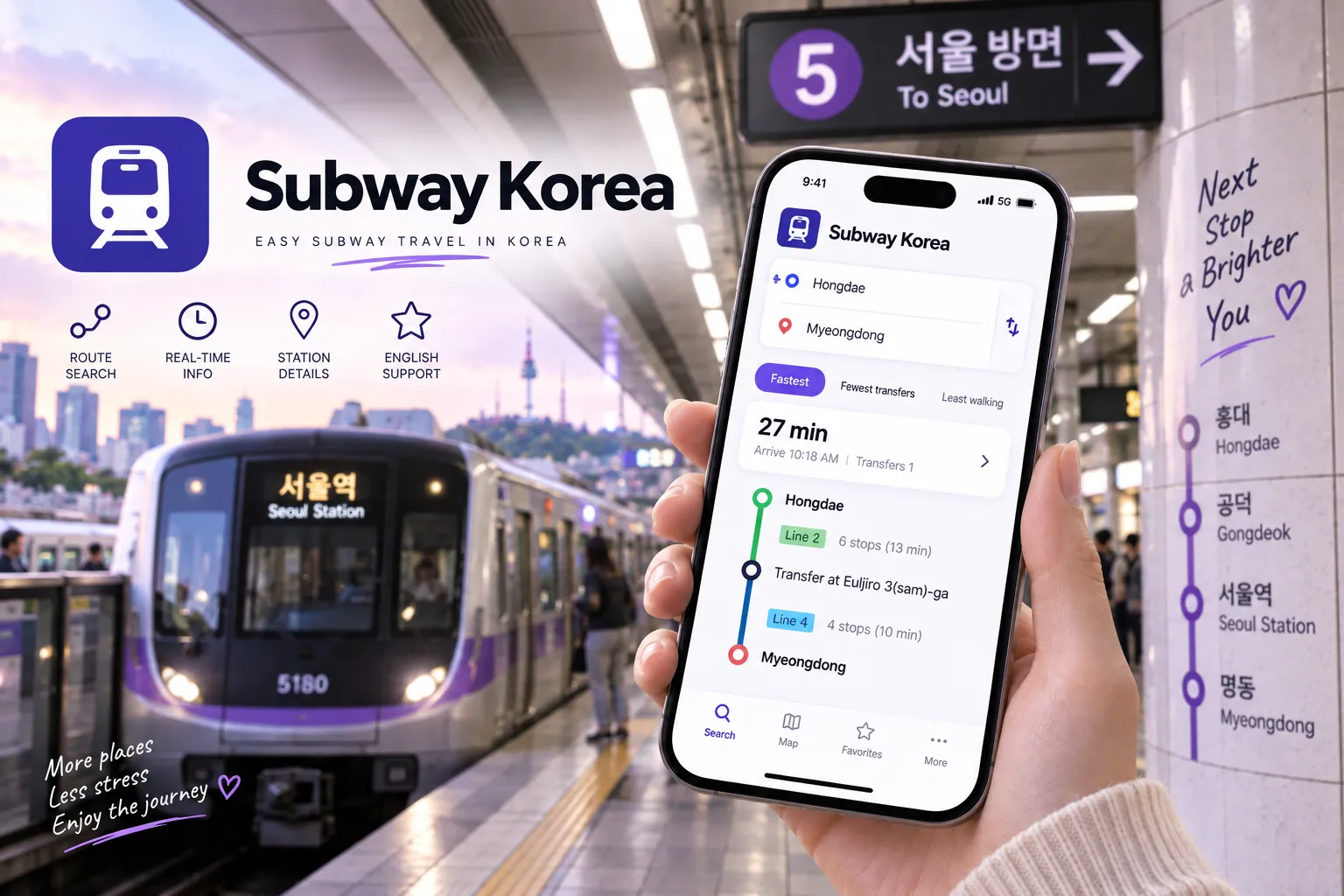
4. Subway Korea: Make sense of the subway map
Naver Map can already help with public transport. Subway Korea is the extra app to consider when you prefer a dedicated subway map and a clearer focus on rail connections.
It covers networks in Seoul, Busan, and several other Korean cities, with route planning, transfer information, timetables, and station details. Its listing also includes first- and last-train information.
You do not need both apps for every journey. Try them before you leave and see which presentation makes more sense to you.
For a practice journey, select the correct city, enter your departure and arrival stations, and compare the route options. Don’t automatically choose the shortest estimated time. With luggage or tired legs, you may prefer fewer transfers.
Before boarding, check the direction of travel against the platform signs. Later in the evening, check the actual journey you need rather than assuming all trains run until the same time.
Use the app to plan the journey, and arrange your transport payment separately.
Download: Google Play · Apple App Store
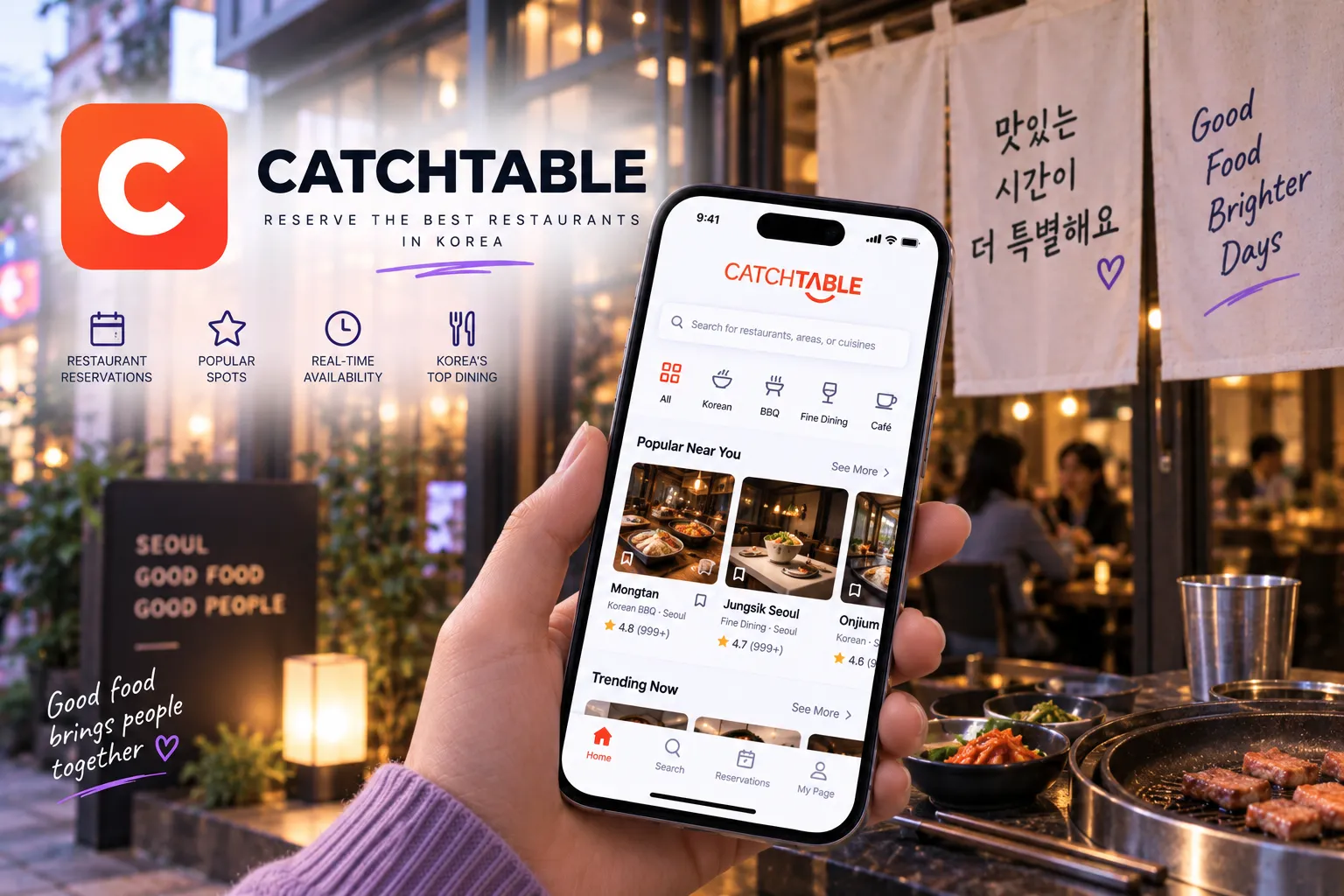
5. CATCHTABLE: Book the meal, not just the inspiration
Saving a restaurant post is the easy part. Working out how to get a table is the next step.
For international visitors, the important detail is downloading CATCHTABLE’s global app. The links below lead to that version, listed as “CATCHTABLE: Book Restaurants.” It supports restaurant reservations and waitlists without a Korean phone number.
Start by searching for the restaurant and checking the exact branch. Then look at what is available: a reservation for a particular time or a place on a waiting list. Those are different arrangements. Joining a queue is not the same as having a confirmed dining time.
Before completing anything, read the restaurant’s deposit, cancellation, and no-show conditions. Also check whether your booking is confirmed and where updates will arrive.
For a waitlist, keep notifications enabled and watch your progress. Avoid wandering somewhere you cannot return from promptly when your turn approaches.
The app is a useful booking route, not a promise that every restaurant will be listed or every popular time will be available.
Download the global app: Google Play · Apple App Store
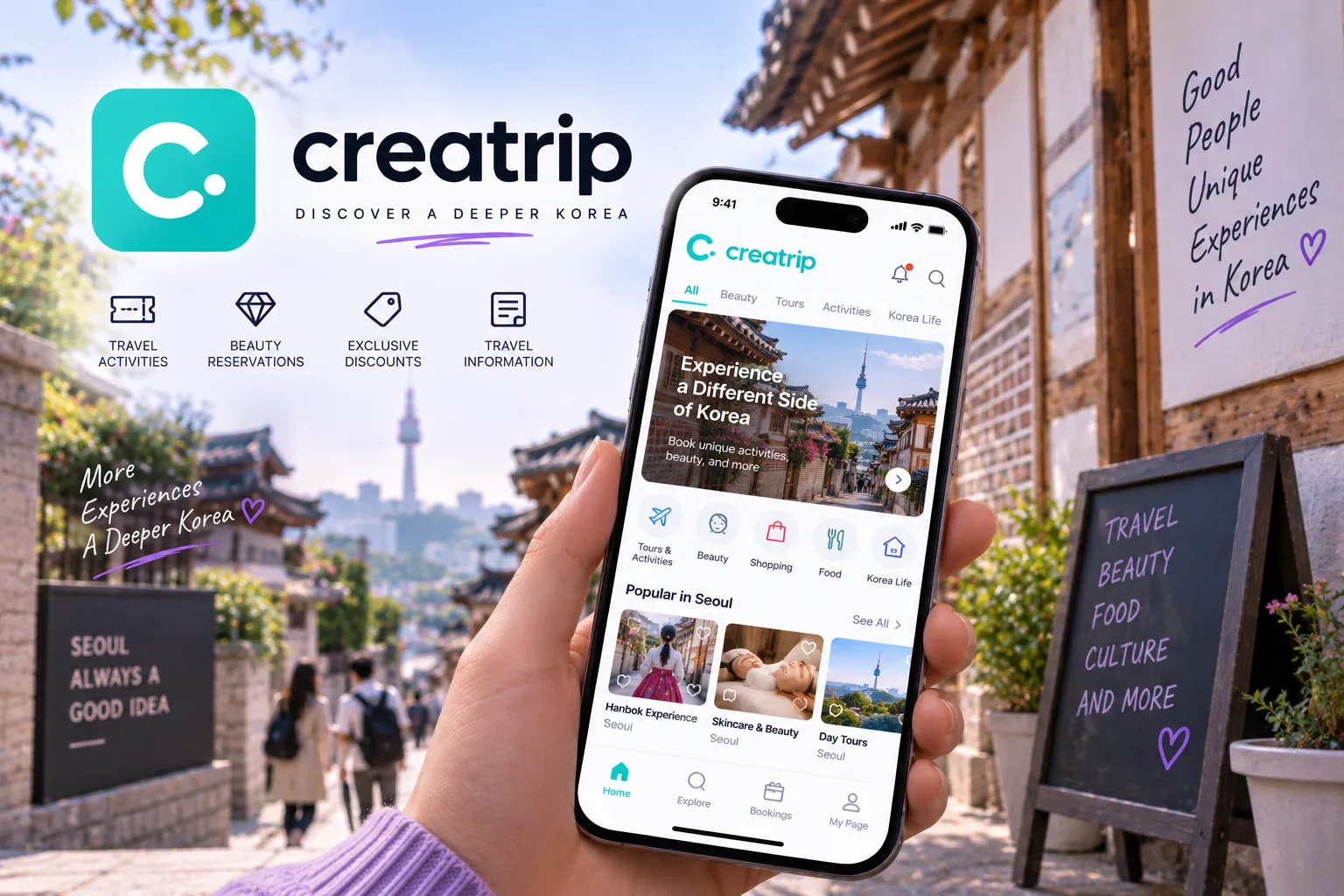
6. Creatrip: Explore Korea-focused experiences and travel services
Creatrip is worth browsing when you know the kind of day you want but haven’t worked out the individual bookings.
The platform combines Korea-focused travel information with tours, activities, and services such as airport transportation. Its app also includes neighbourhood guides and local tips in multiple languages.
That makes it useful for moving from “we’d like to take a day trip” to a more concrete plan. Browse the options, then read the full description rather than choosing from the main image alone.
Before reserving, check the location, meeting time, language of the service, and what the price includes. Establish whether you are paying the full amount or a deposit, and whether anything remains payable on the day.
Keep your confirmation and the provider’s contact details somewhere easy to find. For an early departure, save the meeting-point instructions the night before rather than relying on finding them while rushing out of your accommodation.
Use the app to support your plans, not to fill every spare hour with another booking.
Download: Google Play · Apple App Store
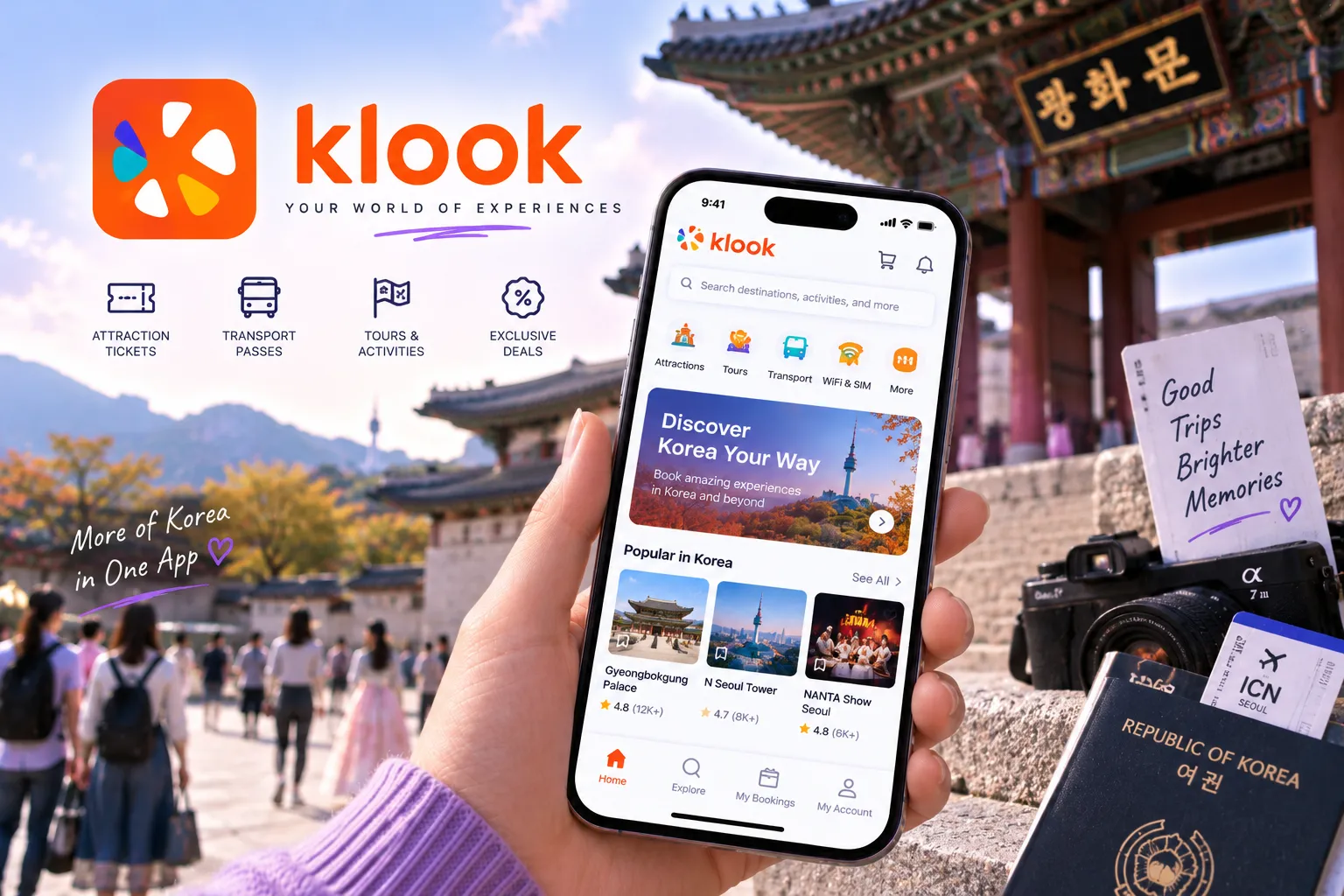
7. Klook: Compare tickets, activities, and day trips
Klook is another option for booking attractions, tours, and transport. Its app also lets you download tickets and vouchers for offline access.
There is some overlap with Creatrip, so treat them as places to compare suitable options rather than two apps you must use for every booking.
When comparing prices, check that you are comparing the same thing. Look at the visit date, ticket category, included transport, cancellation conditions, and any extra charges. Compare the final price with the attraction or operator’s own booking option, too.
Pay particular attention to entry instructions. Klook offers instant confirmation and skip-the-line tickets for selected attractions, not as a universal benefit of every purchase. Check whether your ticket requires a reservation, an exchange at a counter, or arrival during a particular time slot.
Once booked, download the actual voucher and read it. A screenshot showing that you paid is not a substitute for following the ticket’s redemption instructions.
Download: Google Play · Apple App Store
8. WOWPASS: Manage an optional prepaid travel card
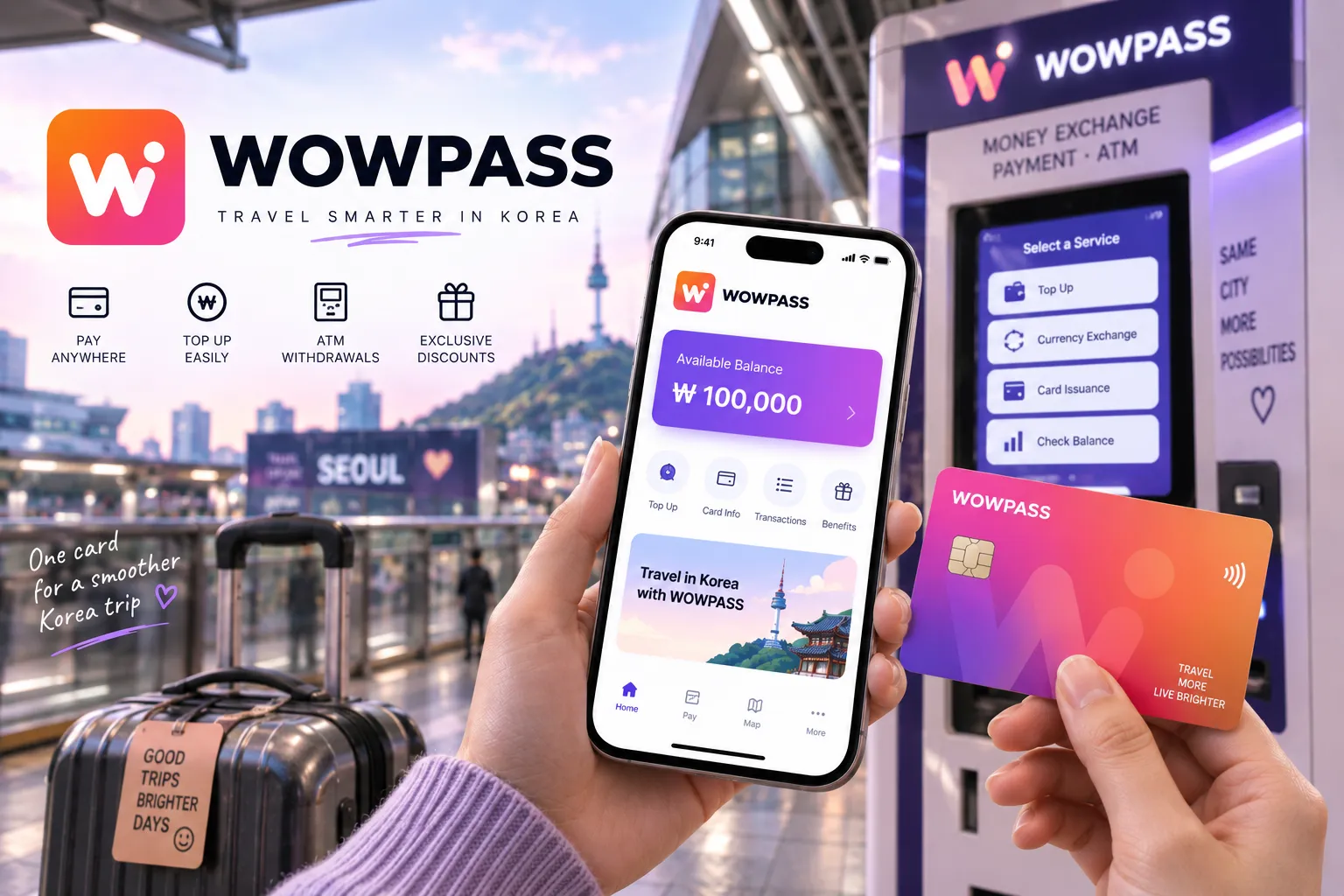
WOWPASS needs a little more explanation than “download this payment app.”
It is a prepaid-card service with a companion app. The app helps you manage the associated card, check balances and spending, and locate WOWPASS machines. Downloading it alone is not the same as having a funded card ready to use.
The detail to understand is that the WOWPASS spending balance and its Tmoney transportation balance are separate. The card combines the functions, but topping up the spending balance does not automatically mean your transport balance is ready for a subway journey. WOWPASS’s own instructions say the Tmoney balance needs to be topped up separately.
Check both balances and follow the current top-up instructions for the function you need.
This is an optional choice, not a requirement for visiting Korea. Before committing, compare the card’s current fees, exchange arrangements, and refund conditions with the payment options you already have.
Keep a backup payment method as well. The aim is to make paying easier, not to put your entire trip budget behind one card.
Download: Google Play · Apple App Store

9. KakaoTalk: Keep in touch with your contacts in Korea
Despite the similar name, KakaoTalk is not the taxi app.
KakaoTalk is a messenger with individual and group chats, voice calls, and other communication features. When a host, guide, business, or new friend gives you a KakaoTalk contact, this is the app they mean.
It is worth setting up before departure, especially when someone involved in your trip has already asked you to use it. Complete any verification required for your account and try sending a message before you need to coordinate something time-sensitive.
For a business contact, use the link or account details supplied through its official website or confirmed booking. Don’t assume that the first account with a similar name is the right one.
Keep essential booking details outside the conversation as well. Save the appointment time, address, and confirmation separately so you don’t have to scroll through a long chat to find them.
For a short trip, this may be an occasional-use app. Its value depends on who you need to contact.
Download: Google Play · Apple App Store
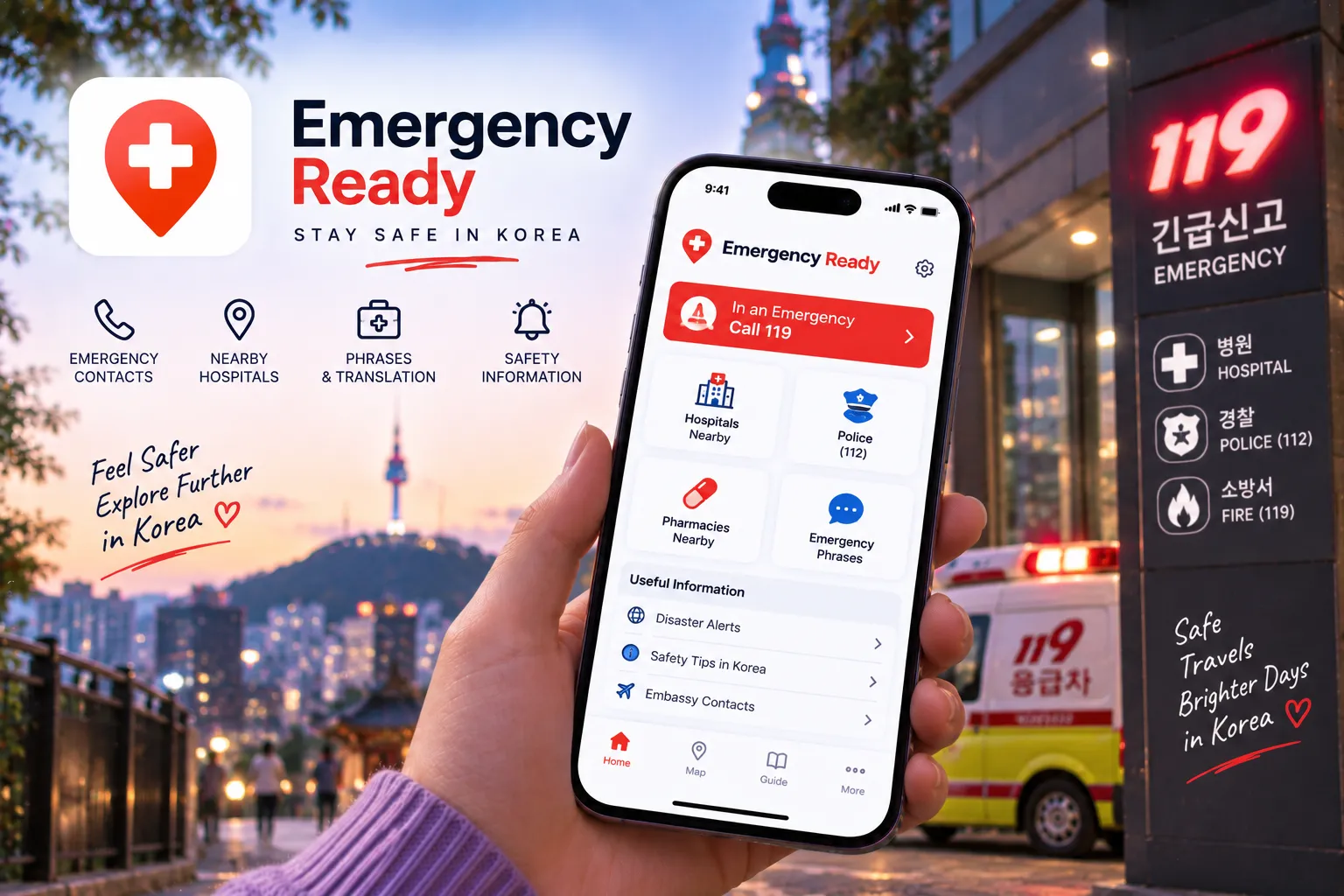
10. Emergency Ready App: Prepare for the things you hope won’t happen
This is the app to set up and then hopefully have little reason to think about.
Emergency Ready is provided by Korea’s Ministry of the Interior and Safety. The current service includes multilingual emergency alerts, disaster-response guidance, and information about evacuation shelters and medical facilities. The ministry’s installation guidance specifically recommends allowing location access and notifications.
Use the current listings linked below, open the app, and familiarise yourself with the safety information before your trip. Check its language and notification settings rather than assuming that installation alone has completed the setup.
Also save Korea’s emergency numbers separately: 112 for police and 119 for fire or ambulance emergencies. The Korea Tourism Organization advises callers who need language assistance to ask for an interpreter.
The app is a preparation tool, not a reason to delay calling for urgent help. Keep your accommodation address accessible, and be ready to describe your location when asking for assistance.
Download: Google Play · Apple App Store, Korean listing
Bonus: Five More Apps Worth Knowing About
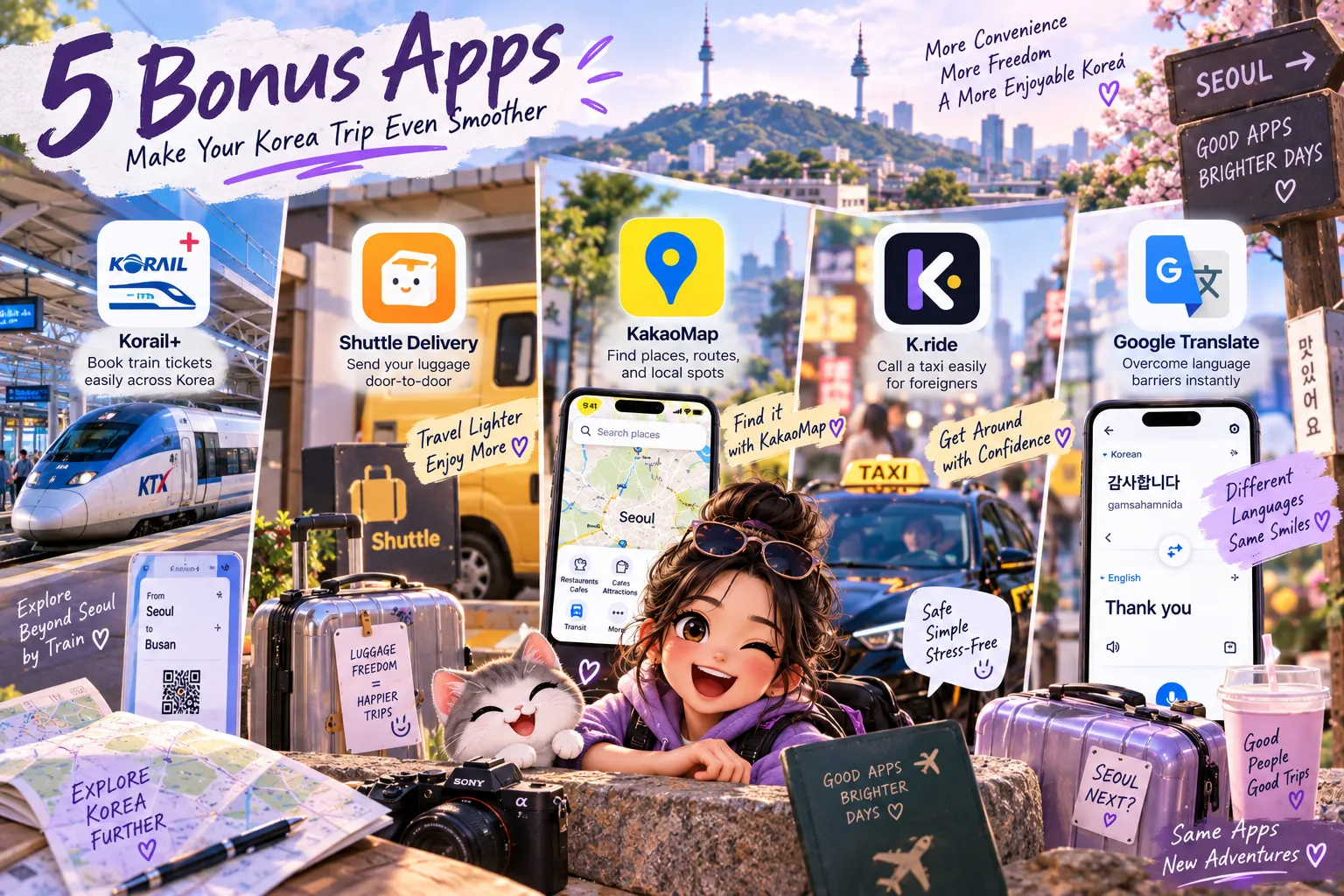
The original ten aren’t the only useful options. Depending on your itinerary, you might also want an app for booking a train, ordering dinner to your accommodation, or getting a second opinion on a confusing translation. These are optional additions, not another download checklist to complete.
KORAIL+: For train journeys between cities
Planning to explore beyond your base city? KORAIL+ is Korea Railroad Corporation’s official app for checking train information, reserving tickets, and viewing your bookings. It supports multiple languages, including English. You may recognise its previous name, KorailTalk, which still appears in older travel articles.
Try the booking process before your travel day. Double-check your departure station, destination, date, and passenger details, then make sure you can retrieve the issued ticket. Keep the booking information somewhere accessible rather than relying on remembering which account you used.
Download: Google Play · Apple App Store
Shuttle Delivery: For dinner without another outing
Sometimes the evening plan is simply taking your shoes off and staying in.
Shuttle offers food ordering with English menus and customer support, and accepts major international credit cards and PayPal. You can sign up using an email address without a Korean phone number, although phone verification is required to use Shuttle credit.
Enter your accommodation’s exact address before deciding what to eat, then check the available restaurants, delivery charge, and estimated arrival time. For a hotel stay, ask reception where you should collect the order and include clear delivery instructions.
Download: Google Play · Apple App Store
KakaoMap: Another way to find your way
Naver Map doesn’t have to be your only option. KakaoMap also provides walking and public-transport directions, place searches, saved locations, and street-level imagery through its Road View feature.
It is worth trying when you want to compare a route or prefer a different map layout. Road View can also help you familiarise yourself with the surroundings before heading somewhere new.
Try finding your accommodation in both apps and choose the one you find easier to follow. You don’t need to compare every journey twice.
Download: Google Play · Apple App Store
k.ride: A visitor-focused taxi alternative
Still deciding which taxi app to use? The k.ride app mentioned earlier is another option from Kakao Mobility. It offers an English interface, translated messaging with drivers, and automatic payment through a registered credit or debit card.
Treat it as an alternative to Kakao T rather than another compulsory download. Complete the account and payment setup before you need a ride, then check the pickup point, destination, vehicle category, and estimated fare before confirming.
The useful choice is the one you have successfully set up, not the one you first open while standing in the rain.
Download: Google Play · Apple App Store
Google Translate: A second option for confusing translations
When a translated sentence still makes no sense, try another tool rather than guessing. Google Translate supports text, photo, and voice translation, with offline translation available for supported downloaded languages. Features vary by language.
Use it alongside Papago when you need another interpretation, or choose whichever interface you find more comfortable. Before departure, download the available languages you need and test them without an internet connection.
Two apps agreeing is not a guarantee of accuracy. For an important detail, simplify the question and confirm the answer with the person you’re speaking to.
Download: Google Play · Apple App Store
Before you leave, give your phone a practice run
You don’t need to master every feature. Spend a little time completing the tasks you’re most likely to need.
Find your accommodation in Naver Map. Translate a sample image in Papago. Check that your chosen taxi app is set up. Open your booking confirmations and download any vouchers you will need. Save your accommodation’s address and the emergency numbers somewhere accessible.
Then think about the less interesting essentials: how you’ll connect to the internet, how you’ll keep your phone charged, and what information you’ll still have available without a connection.
Our suggested starting point is Naver Map and Papago for everyday navigation and communication, followed by the other apps that fit your itinerary. You don’t have to book activities, buy a particular payment card, or create unnecessary accounts just to complete the list.
A useful travel app is one you know how to use when you need it. Get that part sorted before departure, and leave more of your trip for the places you came to see.
Sources checked: September 18, 2026. Download links lead to the official app listings.